Create Custom Digital Greetings with the Cam Animate App
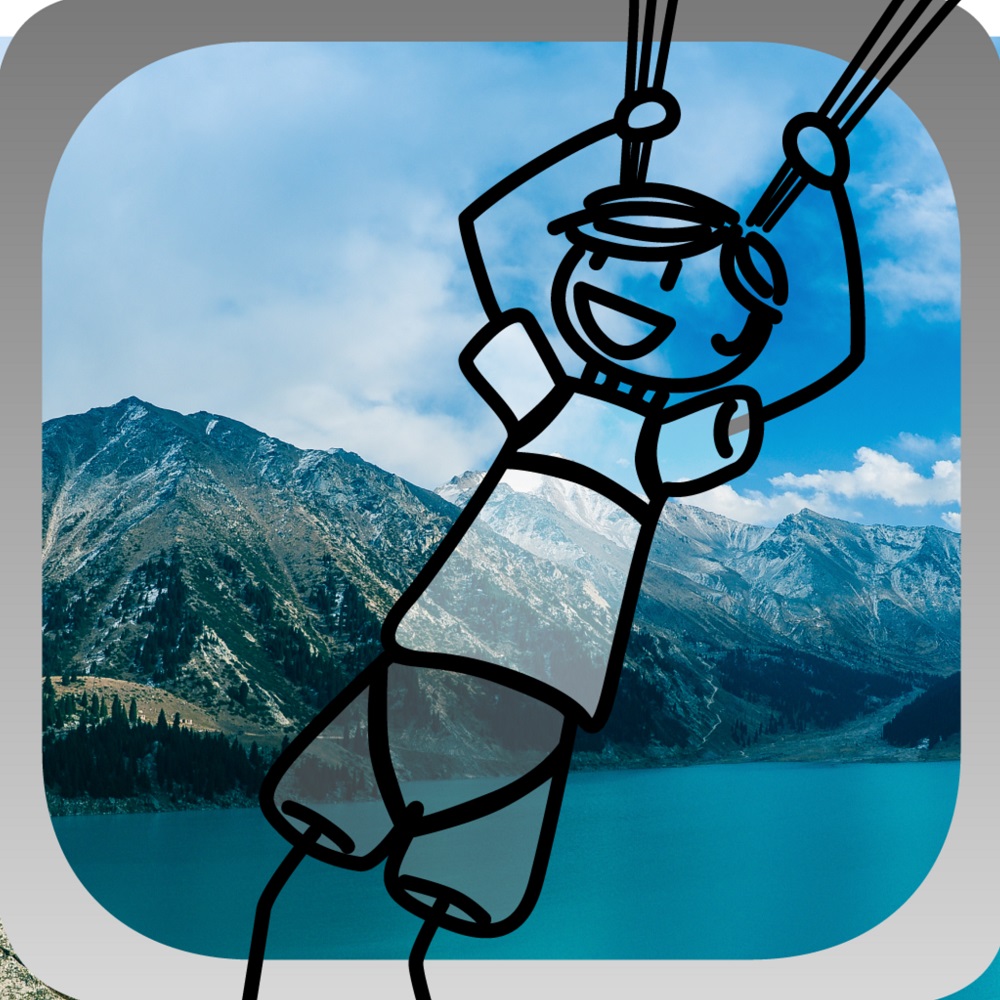
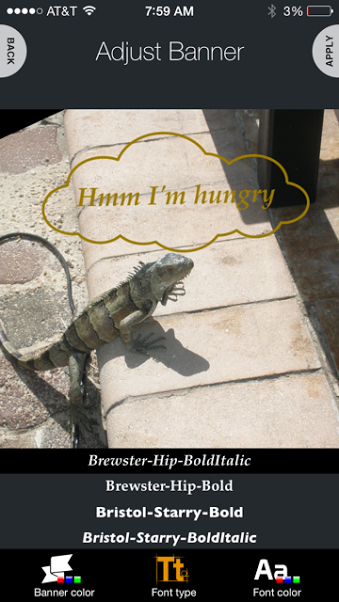 I’ve been having so much playing around this fun new app called Cam Animate. Cam Animate lets you choose from dozens of adorable animations, banners, illustrations and more to create a uniquely personalized video greeting to share with your family and friends!
This app is free to download with in-app purchases available. Simply upload your favorite photo to the app, add animations, banners, text, and music and Cam Animate will turn your still photograph into a 15 second sharable video! This 15 second video is perfect for Instagram since they have a limit on how long your video can be.


Cam Animate is super easy to use and is seriously addicting. When I first downloaded the app I literally spent 30 minutes playing around with the features because I wanted to create the perfect card to share with you all. If you’re wondering what a video greeting is, think of it as a picture that you can add sound or music to. Check out my example on my Instagram page:
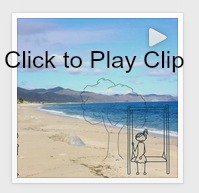
Features of Cam Animate include:
- Create a digital video greeting from still photography.
- Apply animations, banners and text to create a customized message.
- Add voiceover narration or select a soundtrack.
- Share Cam Animate animations on social media (Facebook, Tumblr or Instagram) or via email or text message.
- Save to the device’s camera roll for easy re-posting.
Like Cam Animate on Facebook: https://www.facebook.com/CamAnimate
Follow Cam Animate on Tumblr: http://cam-animate.tumblr.com
Cam Animate Website: http://halfclickstudios.com
Download Cam Animate:
iTunes: https://itunes.apple.com/us/app/cam-animate/id847307107?mt=8