Fun Reading Games for Kids on the iPad | Learn with Homer Review
When I was a kid, learning to read was completely different than it is now. We didn’t use computers in school until about second or third grade and we were already reading before that time. For my girls, there are so many learning tools available such as computer games, apps and digital toys but having too many of them can definitely get overwhelming.
What is the Learn with Homer App?
Fun Reading Games
There are so many different learning methods to choose from. After you choose the type of game you’d like to play, you can select from tons of different learning games based on the topic you’ve chosen. The opportunities are endless.
Safe, Ad-Free Games
Tips from Homer to get the most from the App
Use Learn with Homer every day.
We recommend that children spend 15-20 minutes a day with Learn withHomer. Some part of that time should be spent completing Learn to Read lessons in sequential order. When your child has done a few Learn to Read lessons, allow them to freely explore Homer’s world.
 Follow Learn to Read levels and lessons in order.
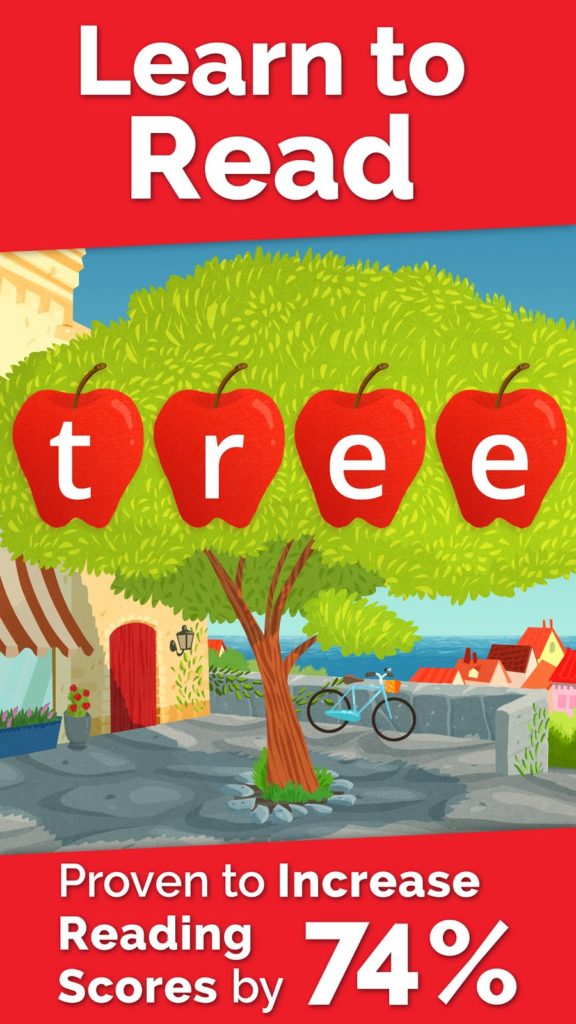
One of the key components of strong, research-based literacy programs is that they teach children letters and sounds in a particular order. It’s important that your child follow Learn to Read levels (and the 6 lessons inside each level) without jumping around, especially the first time.
 Repeat Learn to Read lessons at least 3 times.
Once your child has progressed through a level or two of Learn to Read, make sure she goes back to complete every lesson at least 3 times. Lessons may be repeated in any order, just so the practice happens regularly. Practice is key to building confidence and mastery! Take advantage of Homer’s web resources.
When screen time is over, your child can still Learn with Homer. Log in to your parent account to access printables for tracing letters, practicing sight words, and writing stories. You can also access coloring pages and games. Track your child’s progress.
Our progress tracking tools will give you a window into your child’s learning each day. You can also access the drawings and recordings your child makes and share them via email or social media. Practice patience.
Starting in Level 8, your child will have learned enough new words to read a real book! Our “decodable” readers are a fresh, fun twist on the early readers your child might encounter in school. Once your child has completed a reader, come back to it again and again for practice.
Membership
Would I purchase Homer again?
I’m really happy with how much the Homer app is teaching my daughter. The full price of $95.40 a one-year membership looks frightening but I would definitely repurchase the app for $39.98 for one year. I encourage you to give it a try for the 30 day free trial to see if your child’s skills improve before you commit to the full year.
GIVEAWAY (closed)
We’ve teamed up with the folks behind the Learn with Homer app to offer you a $50 Visa Gift Card giveaway to use towards purchasing the app or anything else you’d like. Use the Rafflecopter form below to enter and we will choose our winner after 12/17/15. Good luck! (US, 18+ only please).
Vote Daily
Show us some love by voting for us daily on Top Mommy Blogs. Just click that link and you’re done! Thanks!







Definitely going to check this out! Thanks!